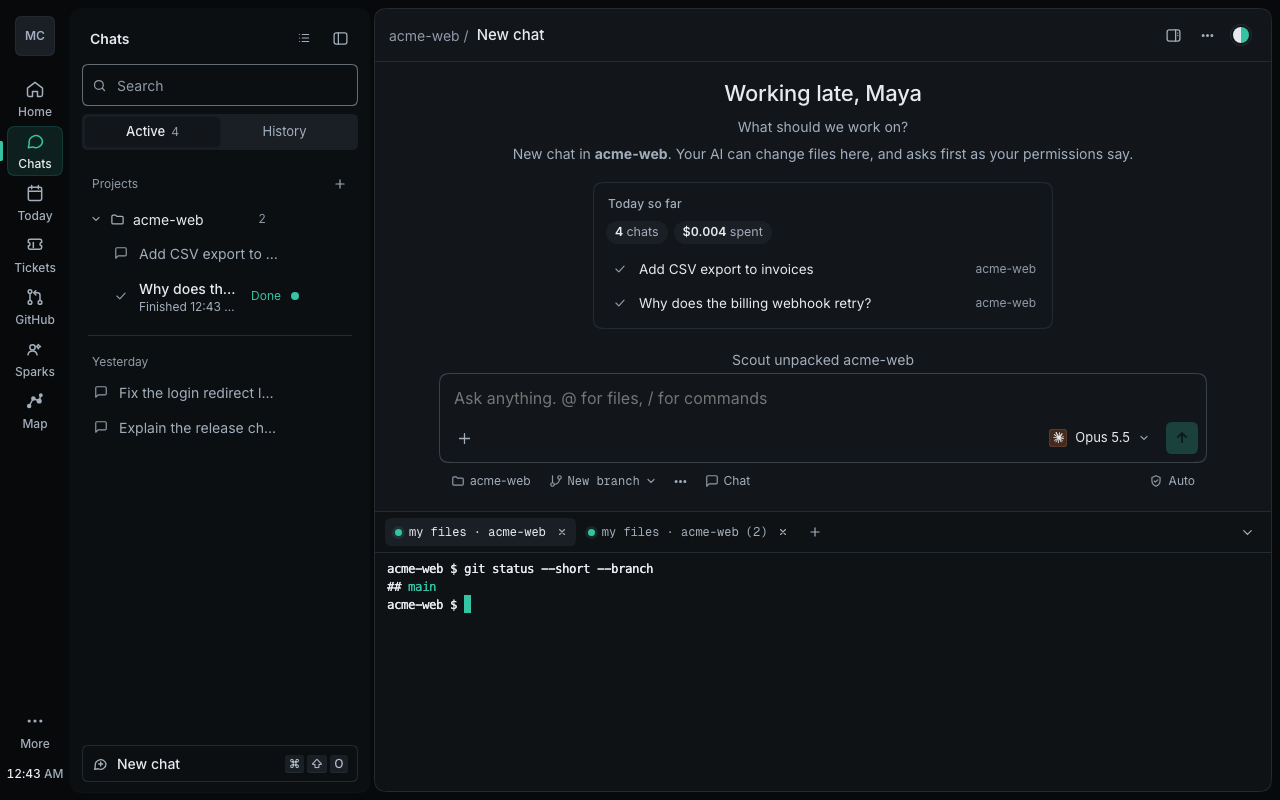
Your agent, in the mode you pick.
Choose Claude Code or Codex and one of its own permission modes, shown with the agent's own names, or run chats on a local model through Ollama, LM Studio or any server that speaks the Anthropic Messages API. When the mode asks, you get a card with the agent's reason.
Each chat keeps its agent running between messages. Its sub-agents show as cards with what each one is doing, and the agent can start sub-chats when the work splits into pieces.
Spark's recommended rules guard secret files, git hooks and config, and publishing: only the
chat's own spark/ branch is pushed, plain force pushes are refused and
--force-with-lease asks with hold to confirm. With no rules, the agent's mode
decides. Where a mode never asks, Spark can't stop a step; it marks it ran without review
and flags any crossing of your rules.
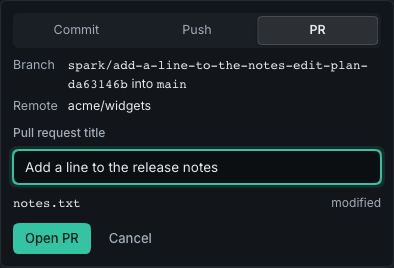
From a chat to a pull request.
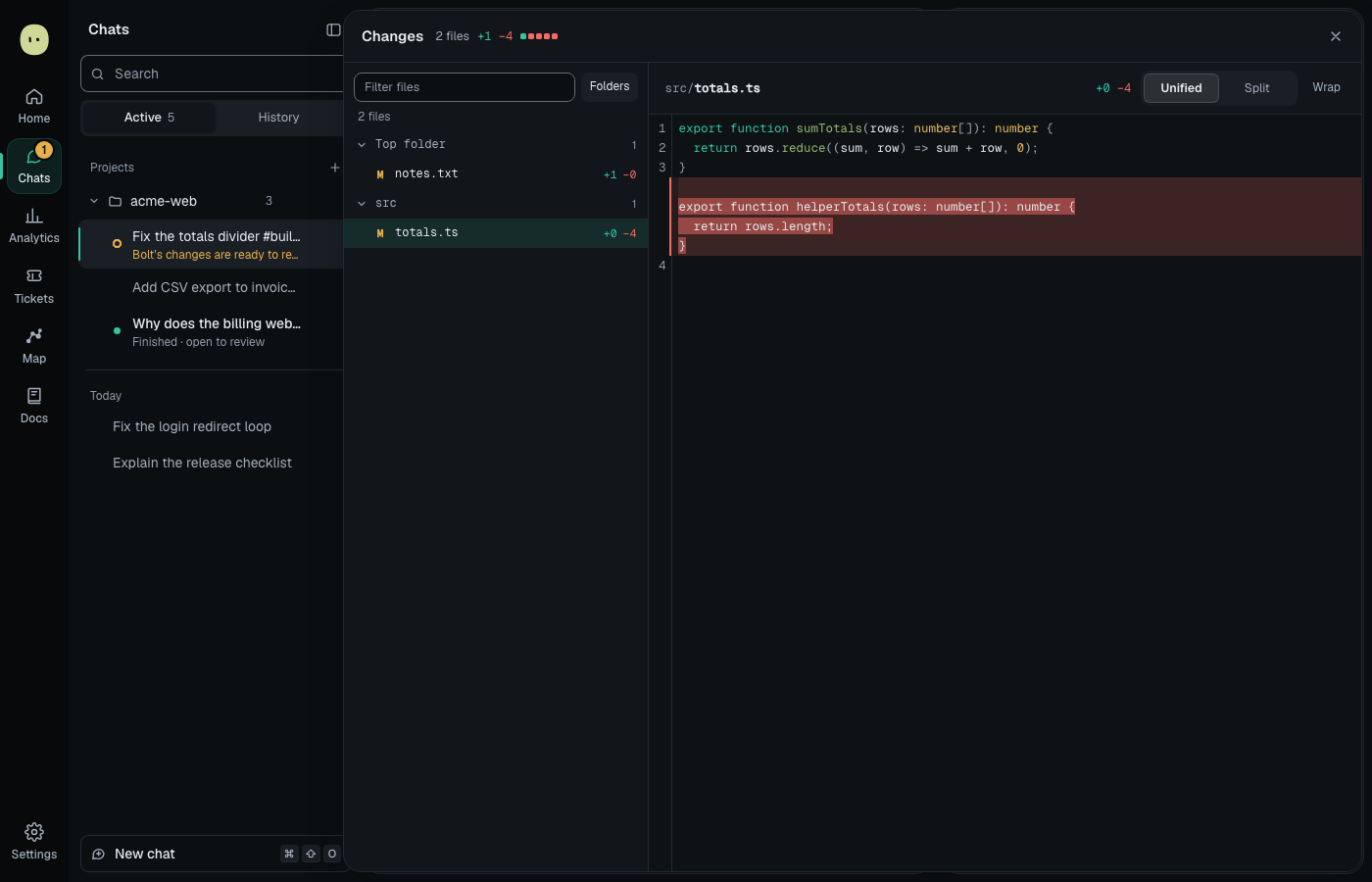
Each chat works on its own spark/ branch in a worktree. At
Full auto → PR, the agent pushes and opens the pull request, then follows
up on review comments.
Nothing ever merges for you. That click stays yours.
A browser your agent can debug.
Open your app beside the chat. The agent reads the page, console errors with stacks, and a network log with each request's start and end, so overlapping requests stand out.
It can click, type, inspect and run scripts, following your mode. It never sees password or card fields, and your own tabs always ask.
Mac apps, and terminals that keep running.
Turn on Mac control and an agent can read another app and press its buttons and menus, one app per chat, on macOS 14 or later. A first use, a send or a delete asks in every mode; purchases, passwords and System Settings are refused.
Terminal sessions run Claude Code, Codex, Gemini CLI, OpenCode or Amp under tmux and survive restarts, updates and crashes.
Scout keeps you on time.
Connect Mac Calendar or Google Calendar. A minute before a meeting, Scout lowers a card to the middle of your screen on a thread: Join, Snooze 1 min or Dismiss.
Today shows your month and day with your reply on each event. Join opens Zoom, Meet, Teams or Webex links in your browser. Try it.
Bring your tickets and your team.
Connect GitHub, Atlassian (Jira and Confluence), ServiceNow, Linear and Slack, or add an MCP server. Start a chat from a ticket and move it to In review when the pull request opens.
Every connection is optional, and Spark actions follow the agent's mode.
Answer from your phone.
Pair a phone over Tailscale to follow chats, answer approval cards and get a push when a chat needs you. Pairing is confirmed on the Mac, and the work stays there.
Mac control, the Browser pane and starting Terminal sessions stay on the Mac.
Local-first, said honestly.
Your chats, settings and code stay on your Mac, and keys live in your Keychain. Spark has no account for you to create.
What leaves is what the work needs: your AI provider receives your messages and what the agent reads, and connected tools get what you or the agent send them. Select a line to see it.